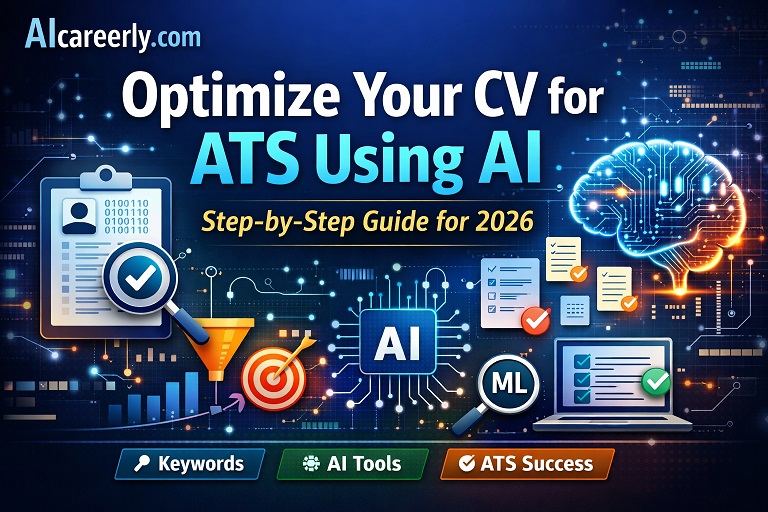
Introduction: Why Most CVs Fail Before Humans See Them
You can be highly qualified and still get rejected instantly. The reason is simple: your CV is not being read by a human first, it’s being scanned by an Applicant Tracking System (ATS).
Studies consistently show that 70–80% of resumes are rejected before reaching a recruiter. The main causes:
- Missing or incorrect keywords
- Poor formatting that ATS cannot parse
- Generic, non-impactful bullet points
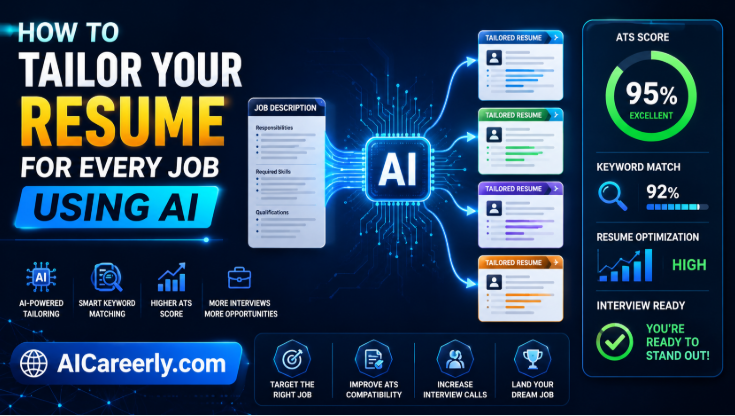
- Lack of alignment with the job description
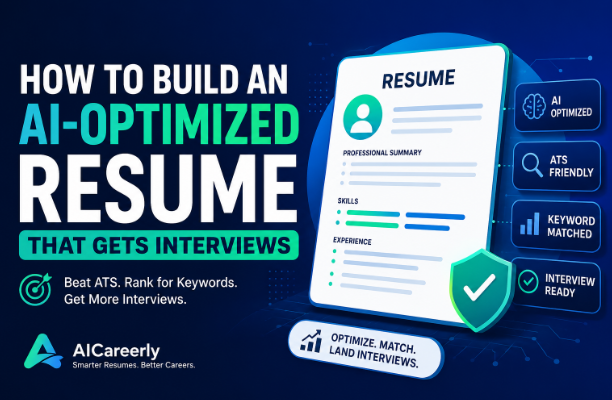
This is where AI changes the game. Modern AI tools can analyze job descriptions, extract critical keywords, rewrite your CV, and optimize it specifically for ATS algorithms, dramatically increasing your chances of getting interviews.
Best AI Resume Builders in 2026 (Tested & Ranked)
.
What is an ATS and How It Works
An Applicant Tracking System (ATS) is software used by companies to manage, filter, and rank job applications.
Popular ATS platforms include:
- Workday
- Greenhouse
- Lever
How ATS Works (Simplified)
- Parsing
The system extracts information from your CV:- Name, contact details
- Skills
- Work experience
- Education
- Keyword Matching
The ATS compares your CV to the job description:- Does it contain required skills?
- Are exact keywords present?
- Ranking Algorithm
Your CV is scored and ranked based on:- Keyword relevance
- Experience alignment
- Formatting clarity
- Recruiter Filtering
Recruiters typically only review the top-ranked CVs.
👉 If your CV isn’t optimized, it never gets seen.
Best AI Productivity Tools for Job Seekers in 2026 (Tested & Ranked)
.
Why AI is a Game-Changer for CV Optimization
AI eliminates guesswork.
With tools like:
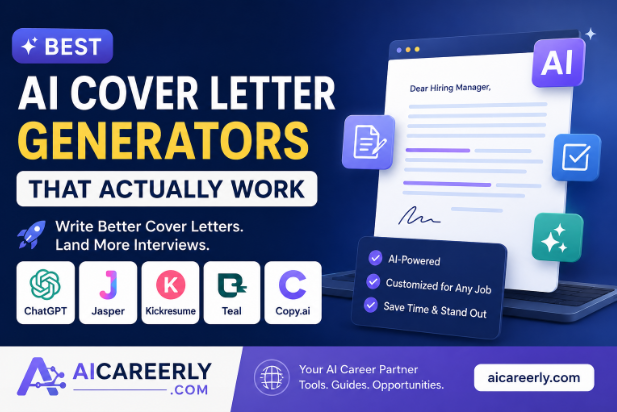
- ChatGPT
- Jobscan
- ResumAI
- Teal
You can:
- Analyze job descriptions instantly
- Extract high-impact keywords
- Rewrite bullet points for results and metrics
- Improve readability and ATS compatibility
- Tailor your CV for each role in minutes
.
Step-by-Step Guide to Optimize CV for ATS Using AI
Step 1: Analyze the Job Description Using AI
Your CV must mirror the job description.
What to Extract:
- Required skills
- Tools/technologies
- Responsibilities
- Industry keywords
🔹 Copy-Paste Prompt
Analyze this job description and extract:

1. Top 15 keywords (exact phrases)
2. Required technical skills
3. Soft skills
4. Key responsibilities
5. Tools and technologies mentioned

Then rank them by importance.

[PASTE JOB DESCRIPTION HERE]
Use tools like ChatGPT to generate structured outputs.
.
Step 2: Identify ATS Keywords
Types of Keywords
1. Hard Skills
- Python
- TensorFlow
- Machine Learning
- NLP
2. Soft Skills
- Communication
- Problem-solving
- Leadership
Prioritization Strategy
- Use exact-match keywords first
- Add synonyms where possible
Best AI Resume Templates for 2026 (Free + ATS-Friendly Downloads)
.
Example (AI Role)
Job description mentions:
- “Machine Learning Engineer”
- “Deep Learning”
- “PyTorch”
Your CV should include:
- Machine Learning (exact)
- Deep Learning (exact)
- PyTorch (exact)
- ML models (variation)
- Neural networks (related)
.
Step 3: Rewrite CV Bullet Points with AI
Most CVs fail because they are too generic.
❌ Before (Weak)
- Worked on machine learning models
- Helped improve system performance
✅ After (AI-Optimized)
- Developed and deployed machine learning models using Python and TensorFlow, improving prediction accuracy by 28%
- Optimized system performance, reducing processing time by 35% through model tuning and data pipeline improvements
🔹 Prompt to Use
Rewrite these CV bullet points to be:
- Results-driven
- Quantified with metrics
- ATS keyword optimized
- Strong action verbs

[PASTE BULLETS HERE]
AI improves:
- Clarity
- Impact
- Keyword density
.
Step 4: Optimize CV Formatting for ATS
ATS systems are not visually intelligent.
Avoid:
- Tables
- Columns
- Graphics
- Icons
Use:
- Standard headings:
- Work Experience
- Skills
- Education
- Simple bullet points
- Clean structure
File Format
- DOCX → safest for ATS
- PDF → acceptable if simple and text-based
How to Learn AI in 2026: Complete Beginner Roadmap (Step-by-Step)
.
Step 5: Match Your CV Score Using AI Tools
Tools like Jobscan compare your CV against job descriptions.
How It Works
- Upload CV + job description
- Get a match score (%)
Score Interpretation
- 90%+ → Excellent
- 70–89% → Good (apply)
- Below 70% → Needs optimization
Focus on:
- Missing keywords
- Skill gaps
- Formatting issues
.
Step 6: Tailor Your CV for Each Job Automatically
One CV does not fit all roles.
AI allows fast customization.
🔹 Reusable Prompt Template
Tailor my CV for this job description:

- Add relevant keywords naturally
- Align my experience with job requirements
- Keep it ATS-friendly
- Do not fabricate experience

CV:
[PASTE CV]

Job Description:
[PASTE JOB]
You can generate a tailored CV in under 2 minutes.
.
Step 7: Final ATS Check (Checklist)
Before applying:
✔ Keywords match job description
✔ No tables or graphics
✔ Clean formatting
✔ Standard headings used
✔ Metrics included
✔ File format ATS-compatible
.
📊 Before vs After AI Optimization
❌ Weak CV
- Generic descriptions
- No metrics
- Low keyword match
- Poor readability
✅ AI-Optimized CV
- Keyword-rich content
- Quantified achievements
- Clear structure
- High ATS match score
Key Improvements
| Factor | Before | After |
|---|---|---|
| Keyword Match | Low | High |
| Clarity | Weak | Strong |
| Impact | Minimal | Measurable |
| ATS Score | ~50% | 80%+ |
.
🧰 Best AI Tools for CV Optimization
1. ChatGPT
Best for: Content rewriting, prompts, customization
Pros: Flexible, powerful
Cons: Requires good prompting
2. Jobscan
Best for: ATS match scoring
Pros: Data-driven insights
Cons: Limited free features
3. Teal
Best for: CV tracking and tailoring
Pros: Job tracking + resume tools
Cons: Learning curve
4. ResumAI
Best for: Quick resume generation
Pros: Fast, automated
Cons: Less customization depth
How to Use AI to Prepare for Job Interviews in 2026 (Step-by-Step Guide)
.
🚀 Advanced Tips (High-Value)
1. Use Industry-Specific Keywords
For AI roles:
- Machine Learning
- NLP
- Computer Vision
- Data Pipelines
2. Optimize for Multiple Roles
Create variations:
- ML Engineer CV
- Data Scientist CV
- AI Researcher CV
3. Use AI for Cover Letters
Prompt:
Write a tailored cover letter based on my CV and this job description.
Make it concise, personalized, and aligned with company goals.
4. Track and Iterate
- Track applications
- Monitor responses
- Improve based on feedback
.
Future of AI + Hiring (2026+)
Hiring is becoming more automated:
- AI-driven candidate ranking
- Skill-based hiring over degrees
- Automated CV screening improvements
- Integration of portfolio + GitHub scoring
Expect:
👉 Even stricter ATS filtering
👉 Greater emphasis on measurable impact
.
Common Mistakes to Avoid
- Keyword stuffing (unnatural repetition)
- Blindly copying AI outputs
- Not tailoring CV per job
- Using complex designs that ATS cannot read
.
Conclusion
If you’re not using AI, you’re competing at a disadvantage. To optimize CV for ATS using AI is no longer optional, it’s essential.
By:
- Extracting keywords
- Rewriting content
- Tailoring applications
- Checking ATS scores
You significantly increase your chances of landing interviews. Before your next application, run your CV through AI and optimize it strategically. That single step can be the difference between rejection and your next job offer.
.
❓ Frequently Asked Questions (FAQs) About Optimizing Your CV for ATS Using AI
1. What does it mean to optimize a CV for ATS using AI?
Optimizing a CV for ATS using AI involves using artificial intelligence tools to analyze job descriptions, extract relevant keywords, and tailor your resume so it aligns with how Applicant Tracking Systems scan and rank candidates.
2. How do ATS systems filter resumes?
ATS systems parse your CV, identify keywords, and rank candidates based on how well their resume matches the job description. Platforms like Workday and Greenhouse prioritize candidates with the highest keyword relevance and proper formatting.
3. Can AI really improve my chances of getting interviews?
Yes. AI helps you align your CV with job requirements, increasing keyword match rates and clarity. This significantly improves your chances of passing ATS filters and getting shortlisted by recruiters.
4. What are the best AI tools for resume optimization?
Some of the most effective tools include:
- ChatGPT (for rewriting and tailoring content)
- Jobscan (for ATS match scoring)
- Teal (for tracking and customization)
5. What keywords should I include in an ATS-friendly CV?
You should include:
- Exact keywords from the job description
- Technical skills (e.g., Python, Machine Learning, SQL)
- Role-specific tools (e.g., TensorFlow, PyTorch)
- Relevant soft skills
Focus on relevance and accuracy, not quantity.
6. Is it okay to use AI-generated content directly in my CV?
Not entirely. AI-generated content should always be reviewed and edited to ensure it reflects your real experience, sounds natural, and avoids generic phrasing.
7. What is a good ATS match score?
Using tools like Jobscan:
- 90%+ = Excellent
- 70–89% = Strong
- Below 70% = Needs improvement
Aim for at least 70% before applying.
8. Should I create a different CV for every job application?
Yes. Tailoring your CV for each role significantly increases ATS compatibility. AI makes this process faster by automatically adjusting keywords and aligning your experience with each job description.
9. What formatting works best for ATS-friendly CVs?
Use:
- Simple layouts
- Standard headings (Work Experience, Skills, Education)
- Bullet points
Avoid:
- Tables
- Columns
- Images or graphics
DOCX format is generally the safest.
10. Can AI help with cover letters as well?
Absolutely. Tools like ChatGPT can generate personalized, job-specific cover letters that align with your CV and improve your overall application quality.