The Day Everything Changed
Amine had been applying for jobs for three months. Every morning, the routine was the same: open his laptop, scroll through job boards, tweak his resume, send applications, wait… and hear nothing back.
One day, frustrated and exhausted, he decided to try something different.
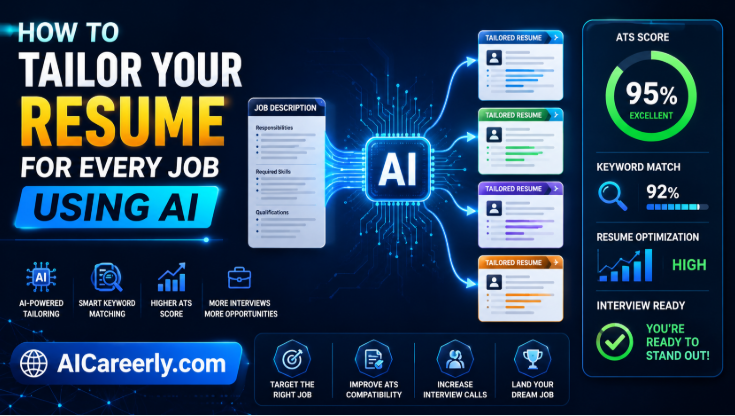
Instead of manually rewriting his resume for the tenth time, he used an AI tool to optimize it for ATS systems. He then used another AI tool to draft tailored cover letters in minutes. Before submitting, he practiced interviews with an AI simulator that gave him real-time feedback.
Within two weeks, everything changed. His response rate tripled. Recruiters started reaching out. He landed three interviews and one offer. The difference? Not luck. Not experience. Productivity. Powered by AI.
.
Why AI Productivity Tools Are a Game-Changer in 2026
The job market in 2026 is faster, more competitive, and more automated than ever. Recruiters rely heavily on ATS (Applicant Tracking Systems), and hundreds, sometimes thousands of candidates apply to a single role.
That means:
- Your resume must pass automated filters
- Your applications must be tailored at scale
- Your preparation must be efficient and strategic
AI productivity tools are no longer optional, they are your competitive edge.
They help you:
- Save hours on repetitive tasks
- Improve quality across resumes, emails, and interviews
- Apply smarter, not harder
This guide ranks the best AI productivity tools for job seekers in 2026, based on real-world usability, impact, and ROI.
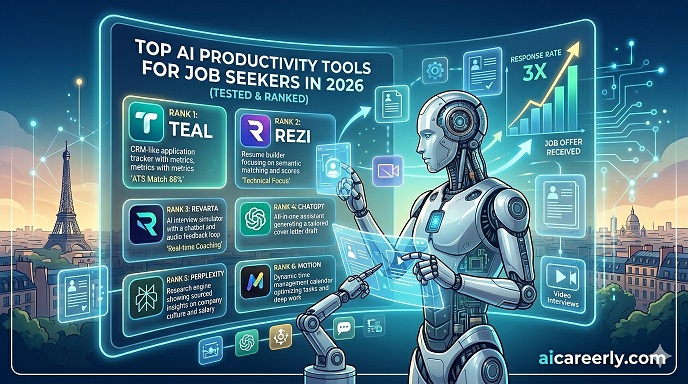
Best AI Productivity Tools for Job Seekers in 2026 (Tested & Ranked)
.
🏆 Top AI Productivity Tools for Job Seekers (Ranked)
1. ChatGPT – Best All-in-One AI Assistant
Best for: Resume writing, cover letters, interview prep, career advice
If you only use one AI tool in your job search, make it ChatGPT.
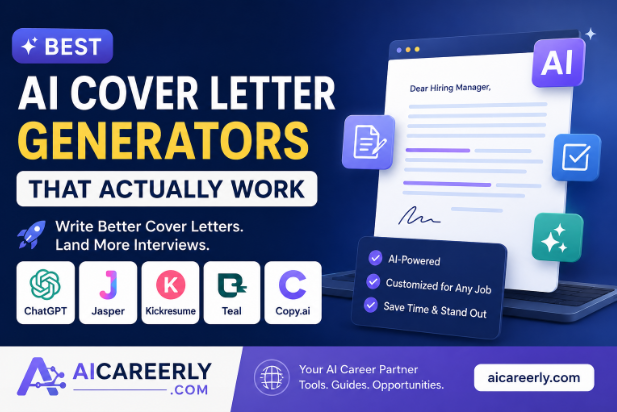
It acts like a personal career coach, writer, and strategist—all in one. You can generate tailored resumes, optimize LinkedIn profiles, prepare for interviews, and even simulate recruiter conversations.
Why it stands out:
- Extremely versatile
- Generates human-like, high-quality responses
- Can tailor content for specific job roles
Example use cases:
Instead of writing a cover letter from scratch, you can prompt:
“Write a tailored cover letter for a data analyst role at a fintech company, based on my resume and this job description.”
Within seconds, you get a polished draft that would normally take an hour.
Pro tip:
Use structured prompts like:
- “Optimize this resume for ATS keywords”
- “Act as a recruiter and critique this application”
.
2. GrammarlyGO – Best for Professional Writing
Best for: Emails, resumes, LinkedIn posts
Clear communication can make or break your job search. GrammarlyGO goes beyond grammar—it improves tone, clarity, and impact.
Why it matters:
Recruiters often spend less than 10 seconds reviewing applications. Poor writing instantly reduces your chances.
What it does well:
- Rewrites sentences for clarity and professionalism
- Adjusts tone (formal, confident, concise)
- Helps eliminate weak or generic phrasing
Real impact:
A simple change like:
- “I am responsible for…” → “Led and delivered…”
can significantly improve how recruiters perceive you.
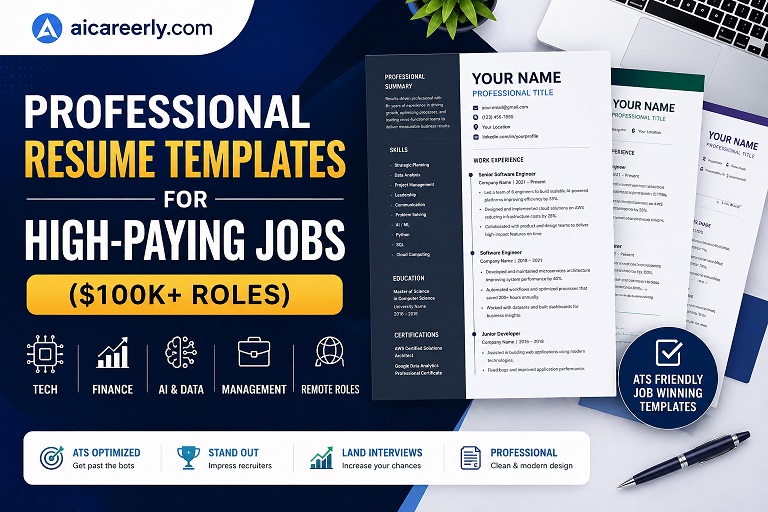
Best AI Resume Templates for 2026 (Free + ATS-Friendly Downloads)
.
3. Teal – Best Job Application Tracker
Best for: Organizing job applications and tracking progress
Applying to jobs without tracking is one of the biggest productivity killers.
Teal acts like a CRM for your job search.
Key benefits:
- Track every application in one dashboard
- Save job descriptions
- Monitor interview stages
Why it’s powerful:
It eliminates chaos. Instead of guessing where you applied or forgetting follow-ups, everything is structured.
Hidden advantage:
You can analyze patterns, like which resumes get responses—and improve your strategy.
.
4. ResumAI / Kickresume – Best AI Resume Builders
Best for: ATS-optimized resumes
These tools are specifically designed to help you pass ATS filters and impress recruiters.
Why you need this:
Most resumes fail before a human even sees them.
What makes them effective:
- AI-generated bullet points based on job roles
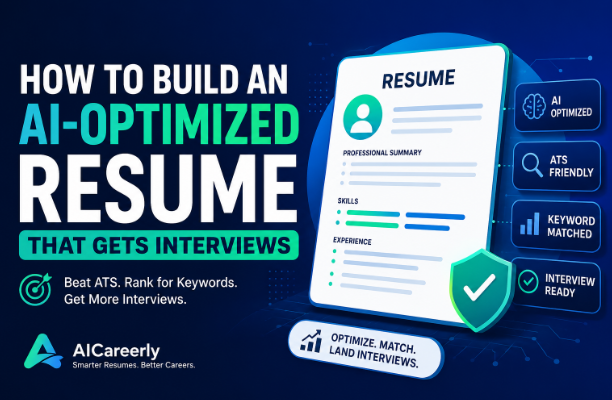
- Built-in ATS optimization
- Professional templates
Example:
Instead of writing:
- “Worked on marketing campaigns”
AI suggests:
- “Executed data-driven marketing campaigns that increased engagement by 35%”
That level of specificity is what gets interviews.
How to Learn AI in 2026: Complete Beginner Roadmap (Step-by-Step)
.
5. Jobscan – Best for ATS Optimization
Best for: Matching your resume to job descriptions
Jobscan analyzes your resume against a job listing and gives a match score.
Why it’s essential:
ATS systems scan for keywords. If your resume doesn’t match, you’re filtered out.
What it provides:
- Keyword gaps
- Formatting suggestions
- Match score improvements
Strategy tip:
Aim for a match score above 75% before applying.
.
6. Notion AI – Best for Productivity & Organization
Best for: Planning, tracking, and organizing your job search
Notion AI transforms your job search into a structured system.
What you can do:
- Create a job search dashboard
- Track applications, deadlines, and notes
- Generate summaries of job descriptions
Why it matters:
Job searching is a project and Notion helps you manage it like one.
.
7. Rezi – Best for Resume Optimization
Best for: Keyword targeting and resume scoring
Rezi focuses heavily on ATS optimization and keyword density.
Key features:
- Real-time resume scoring
- AI bullet point generation
- Keyword targeting
Unique advantage:
It ensures your resume is not just well-written—but strategically optimized.
.
8. Interview Warmup (AI Mock Interviews) – Best for Practice
Best for: Interview preparation
Practicing interviews alone is difficult. AI tools now simulate real interview scenarios.
What they offer:
- Common interview questions
- Speech analysis
- Feedback on answers
Why it works:
You identify weak points before facing real recruiters.
.
9. Motion – Best for Time Management
Best for: Scheduling and productivity
Time management is often overlooked in job searching. Motion uses AI to automatically plan your day.
What it does:
- Prioritizes tasks
- Schedules deep work sessions
- Adjusts plans dynamically
Result:
You stay consistent—without burnout.
.
10. Zapier + AI – Best for Automation
Best for: Automating repetitive tasks
Imagine automatically saving job listings, updating spreadsheets, and sending alerts.
That’s what Zapier enables.
Examples:
- Save new job postings to Notion
- Get alerts for new roles
- Automate follow-up emails
Why it matters:
Automation saves hours every week.
How to Use AI to Prepare for Job Interviews in 2026 (Step-by-Step Guide)
.
How to Use These Tools Together (Winning Workflow)
The real power comes from combining these tools into a system.
Here’s a simple high-performance workflow:
Step 1: Find jobs → Use job boards + alerts
Step 2: Optimize resume → Jobscan + Rezi
Step 3: Write application → ChatGPT + GrammarlyGO
Step 4: Track progress → Teal
Step 5: Prepare interviews → AI mock interview tools
Step 6: Manage time → Notion AI + Motion
This turns a chaotic job search into a structured, scalable process.
.
Common Mistakes to Avoid
Even with AI, many job seekers fail because they misuse the tools.
1. Over-relying on AI without editing
AI gives a strong draft—but personalization is key.
2. Sending generic applications
Recruiters can tell immediately. Always tailor.
3. Ignoring ATS optimization
A beautiful resume means nothing if it’s never seen.
4. Not tracking applications
Disorganization leads to missed opportunities.
.
The Future of Job Searching
AI is not replacing job seekers, it’s empowering them. In 2026, the most successful candidates are not necessarily the most experienced. They are the most efficient.
They know how to:
- Leverage AI tools
- Optimize their time
- Present themselves strategically
The gap between those who use AI and those who don’t is growing fast.
.
Final Thoughts
Amine didn’t become more talented overnight. He became more strategic. That’s the real lesson. If you’re still applying manually, writing everything from scratch, and hoping for results, you’re competing at a disadvantage.
But if you leverage the right AI productivity tools, you can:
- Apply faster
- Stand out more
- Land interviews sooner
The tools are here. The advantage is real. The only question is: Are you going to use them, or fall behind?
.